
Planzo workflow guide
Start here if you’re not sure which workbook you need.
Planzo builds focused Google Sheets workbooks for people who make and sell physical products — one decision at a time, rather than one do-everything system. This page is the general starting point; the pages below go deeper on a single workflow.
The core decision: pricing and selling
Start with pricing spreadsheets if you need to set a price, or market day tools if you're already selling at events and need to track the result. Studio connects both in one workbook.
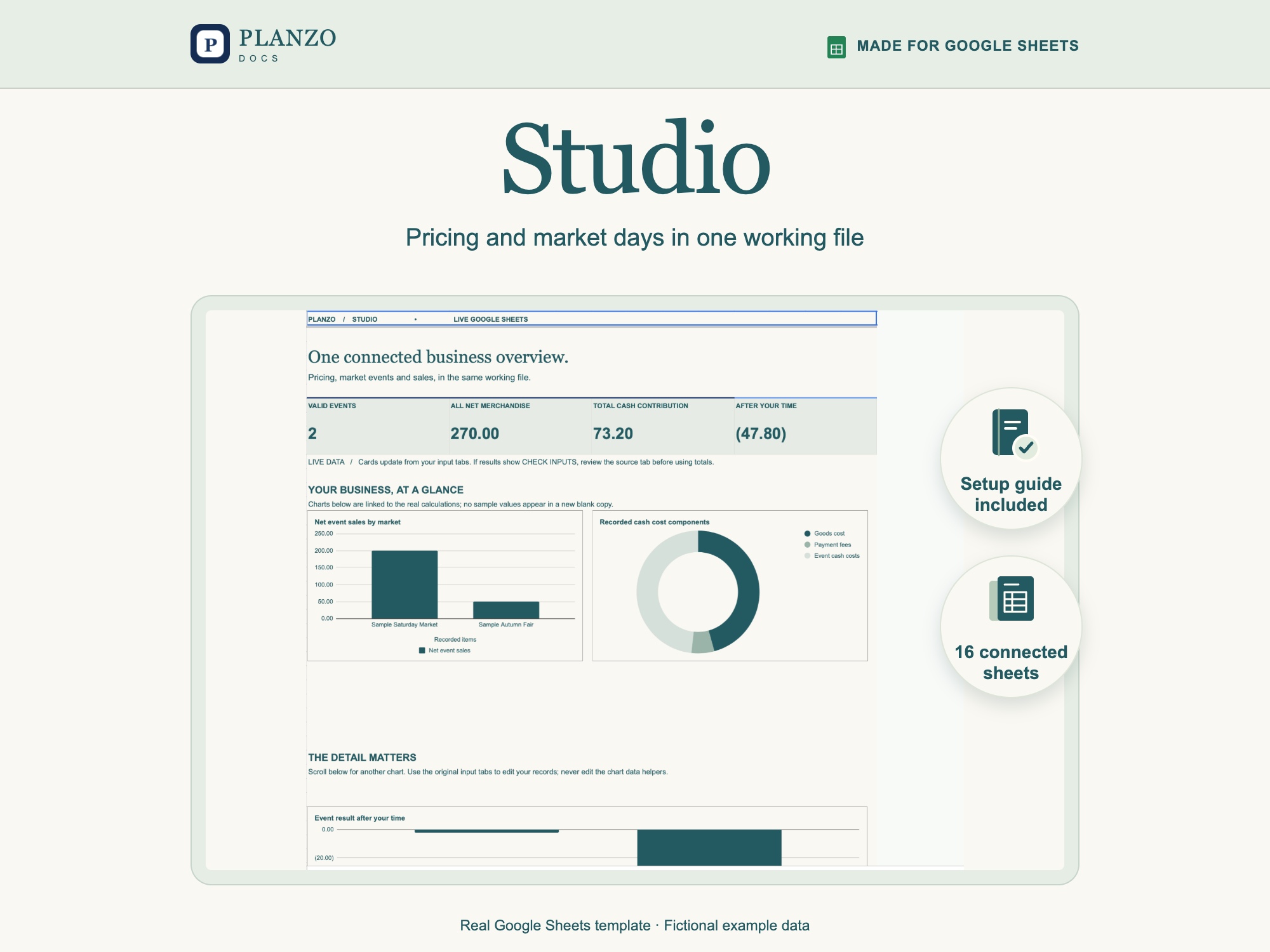 Studio$24.90 · one-time
Keeping track of what you have
See inventory and materials tracking for raw-material and finished-stock questions.
Selling in bulk or on consignment
See wholesale planning for bulk-order cash timing, or Consignment Studio for goods placed in partner shops.
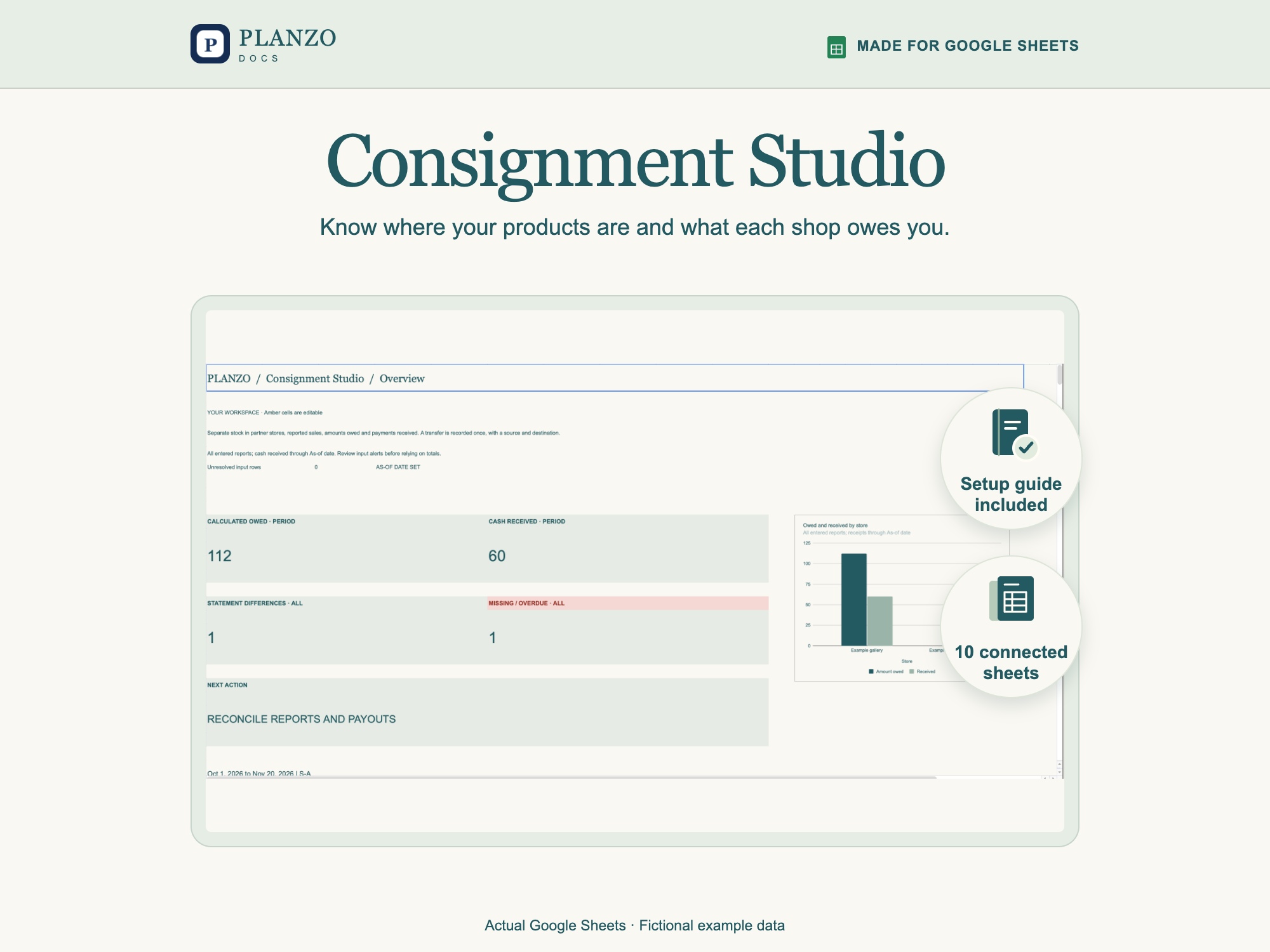 Consignment Studio$19.90 · one-time
Made-to-order work
See custom order management for revisions, approvals and deposits.
Everyday business admin
Expense Log Mini records business spending by category. Weekly Task Planner plans priorities and due dates for the week. Savings Goal Mini tracks planned versus actual savings over 26 weeks.
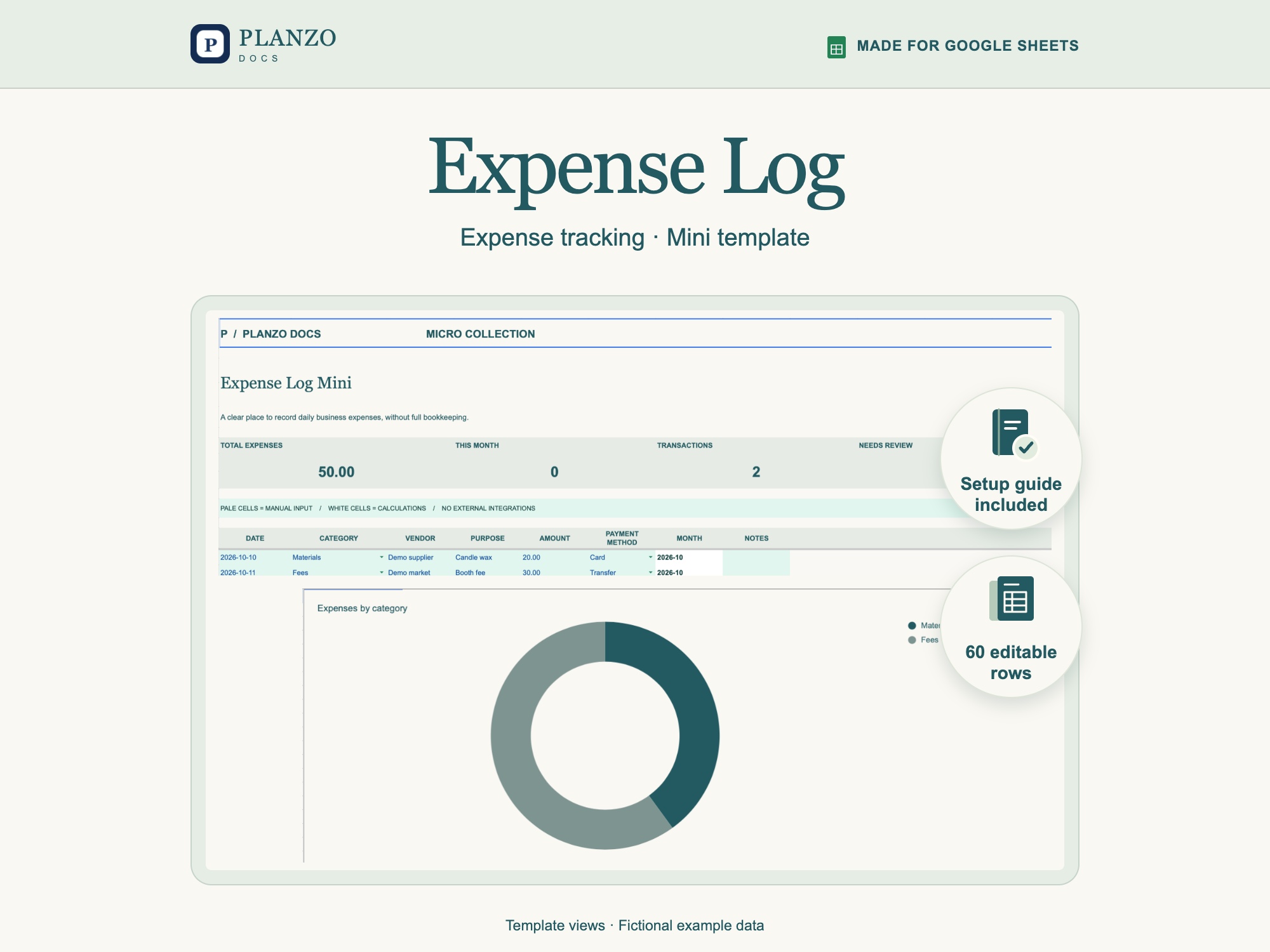 Expense Log Mini$3.90 · one-time
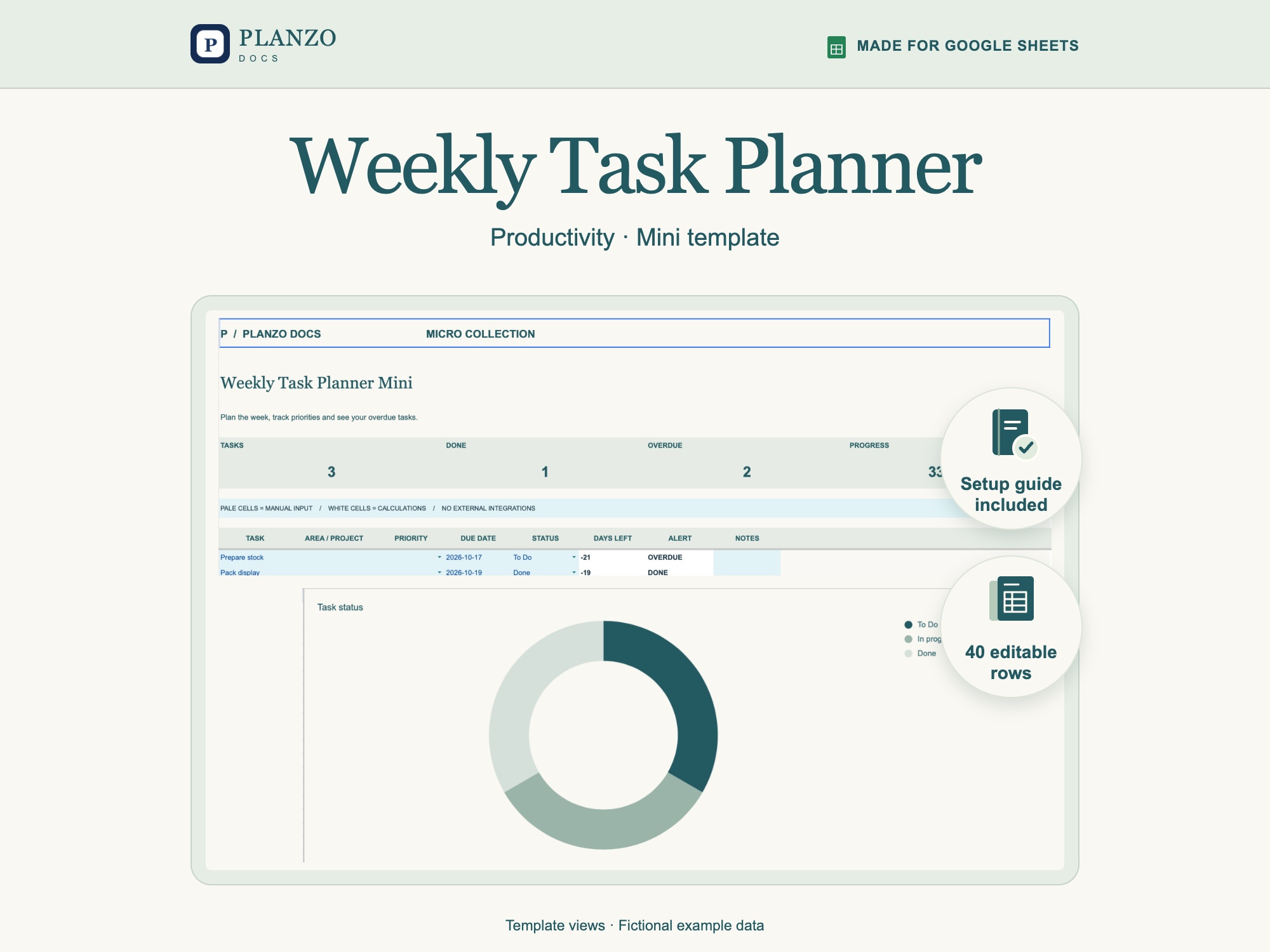 Weekly Task Planner$2.90 · one-time
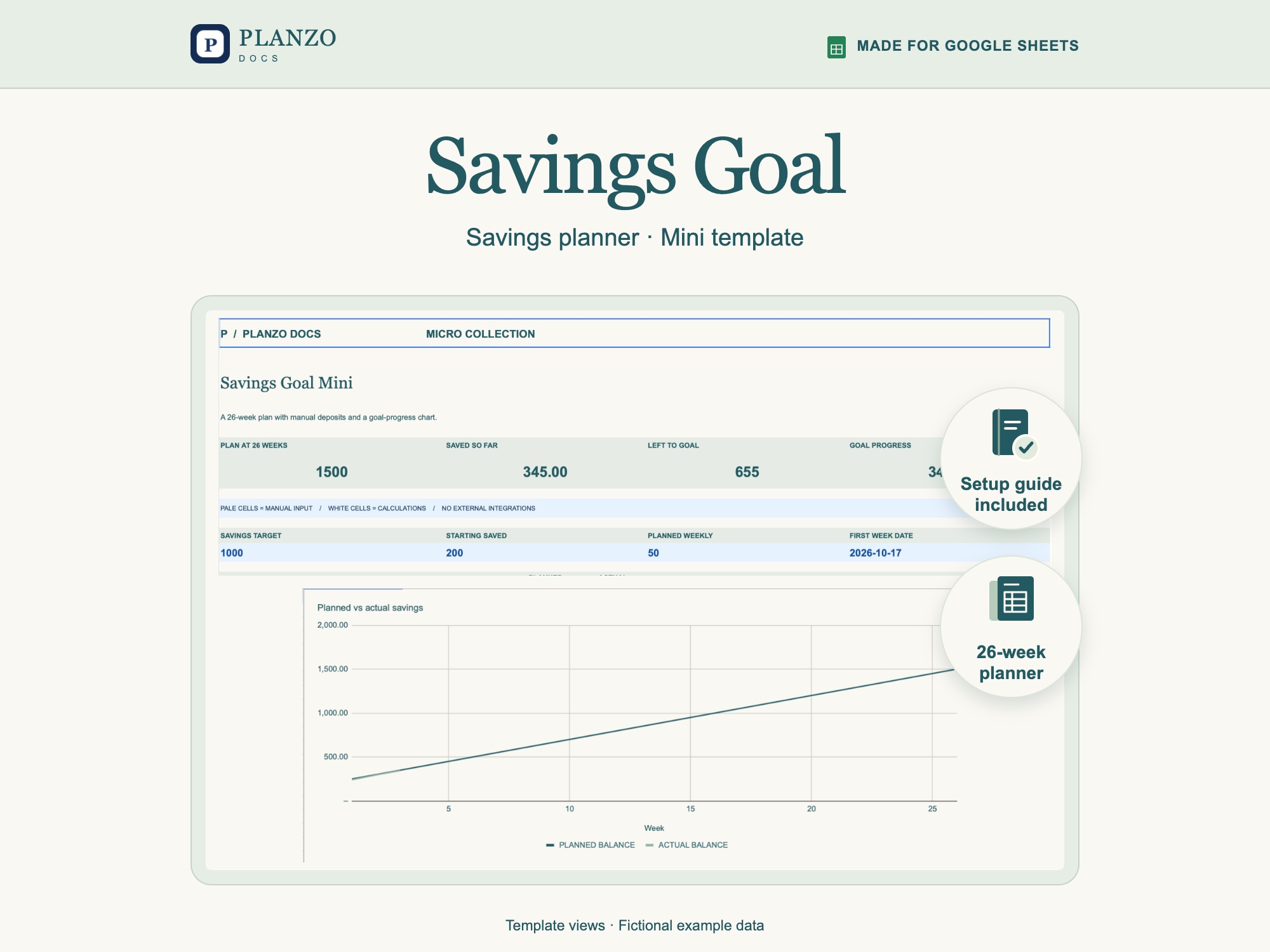 Savings Goal Mini$3.90 · one-time
Shopping by trade instead?
See spreadsheets for home and micro bakeries or spreadsheets for woodworking shops.
Still not sure? Answer four quick questions →
What this page is not
These are planning workbooks built on your own entered numbers — not accounting software, tax software, or a point-of-sale system.